
Here’s the mistake every first-time visitor makes in their first hour: they open Google Maps, type a cafe name, hit “Directions,” and get… nothing useful. A dotted line. A shrug in app form. Then they wonder if their phone is broken.
Your phone is fine. Google Maps is genuinely, structurally limited in Korea — and once you know why, the fix is easy.
Why Google Maps doesn’t fully work here
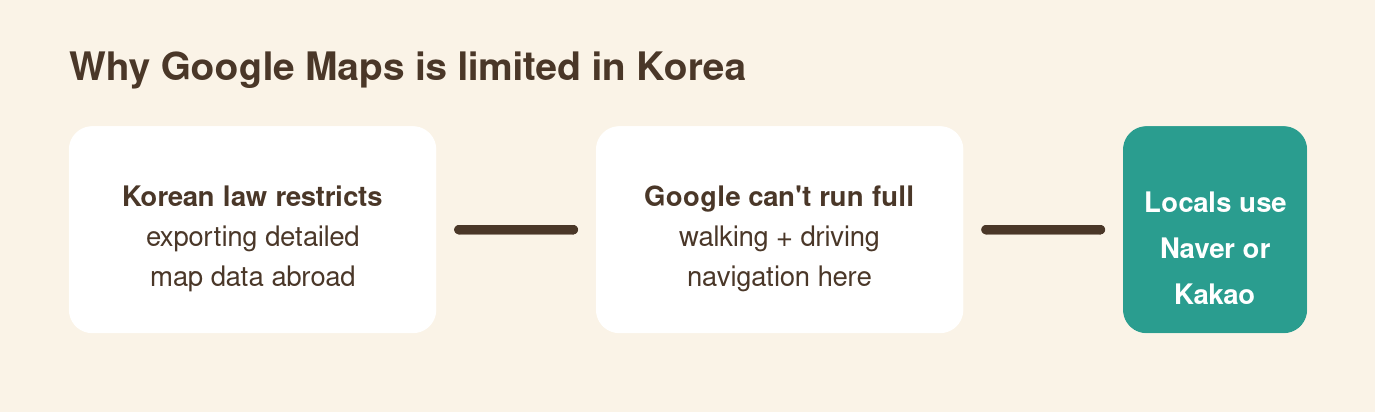
Korean law restricts exporting detailed government map data to servers outside the country. Google processes its maps abroad, so it never got the full dataset. The result: in Korea, Google Maps can’t do turn-by-turn driving navigation and its walking directions range from “vague” to “confidently wrong.”
The one thing Google Maps does well here: public transit. Subway and bus routing works, and for that it’s honestly excellent.
What locals actually use
Naver Map (네이버 지도) — and its rival Kakao Map — run on the full domestic data. Naver Map has a proper English mode, which is why it’s my recommendation for visitors over Kakao (whose English support is thinner).
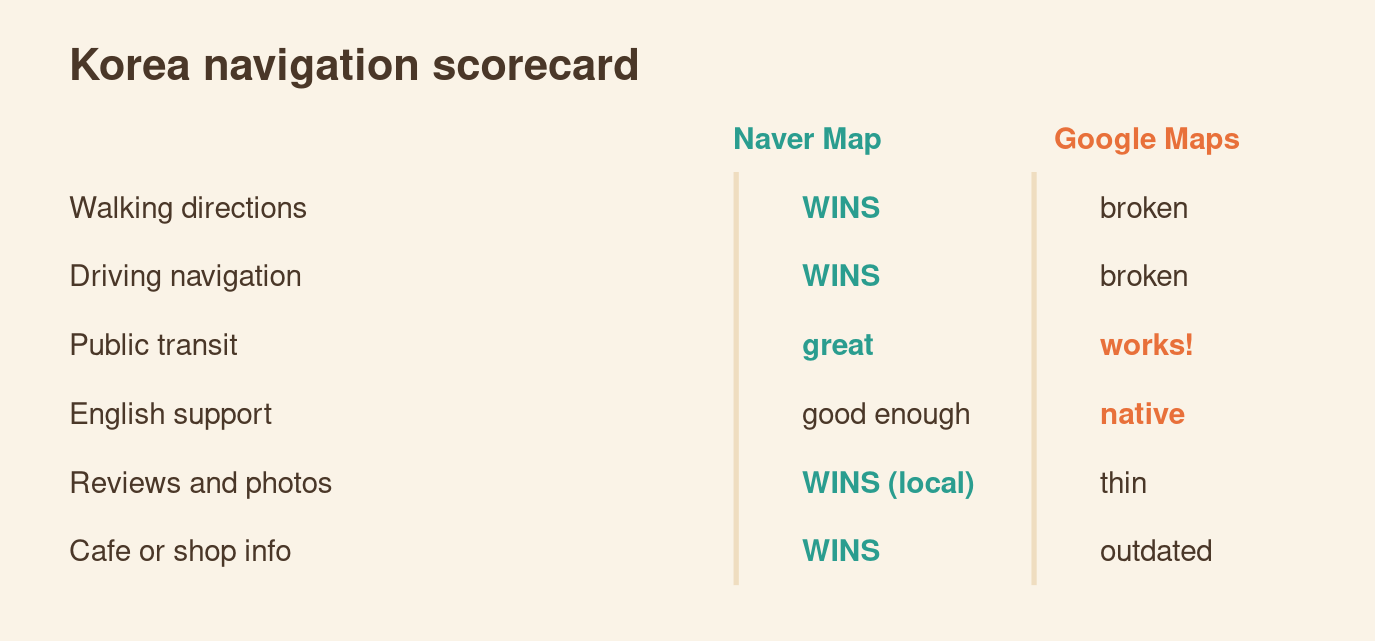
Naver Map gets you: accurate walking routes (including which subway exit to take — this matters, some stations have 14), real-time bus arrivals, driving navigation, and the local review ecosystem. Korean reviews and photos on Naver are the closest thing to ground truth about whether a restaurant is actually good.
The two-app workflow
Don’t pick a side. Use both for what they’re good at:
- Search and discovery in Google Maps — English search is more forgiving, and tourist spots have English reviews.
- Actual navigation in Naver Map — once you know where you’re going, Naver gets you there. Copy the place name (or the Korean name from Google’s listing) and paste it into Naver.
- Transit in either — both route subways well; Naver adds better bus data.
Naver Map setup tips (2 minutes)
- Download “Naver Map” — the global version has English built in. Switch language in settings if it opens in Korean.
- No Korean account needed for navigation. You only need to log in for saving favorite places.
- Learn the exit-number habit: when Naver says “Gangnam Station Exit 11,” it’s not a suggestion. Coming out of the wrong exit at a major station can mean a 10-minute underground hike back.
- Star your hotel on day one. Future-you, lost at midnight, will be grateful.
Bottom line
Google Maps in Korea is a search engine, not a navigator. Install Naver Map before you land, run them side by side, and you’ll move through Seoul like you’ve been here before. Total cost: two minutes and 80 MB.
Leave a Reply